The Plugin System
What is a plugin in Explorer? A plugin is a WebSkel UI bundle (HTML/JS/CSS + manifest) that the Explorer frontend loads dynamically to add actions or modals in context (document, paragraph, etc.). Plugins run in the browser, can call MCP tools, and ship their assets inside the repo under IDE-plugins/<name>. Each plugin declares where it appears via location (e.g., document/paragraph) and which component/presenter to load. Discovery is driven by manifests, not by hardcoding in the UI.
The aggregateIdePlugins function in filesystem-http-server.mjs discovers
plugins when the collect_ide_plugins MCP tool is called (e.g., by the UI on load). Each
invocation scans enabled repositories for IDE-plugins/*/config.json files, then merges
the manifests into a plugin catalog grouped by location and returns it to the client.
Available plugins (in-repo)
Discovered from IDE-plugins/*/config.json across the repo:
video-plugin (modal, chapter/paragraph) — attach and configure video content.
audio-plugin (modal, chapter/paragraph) — attach and configure audio content.
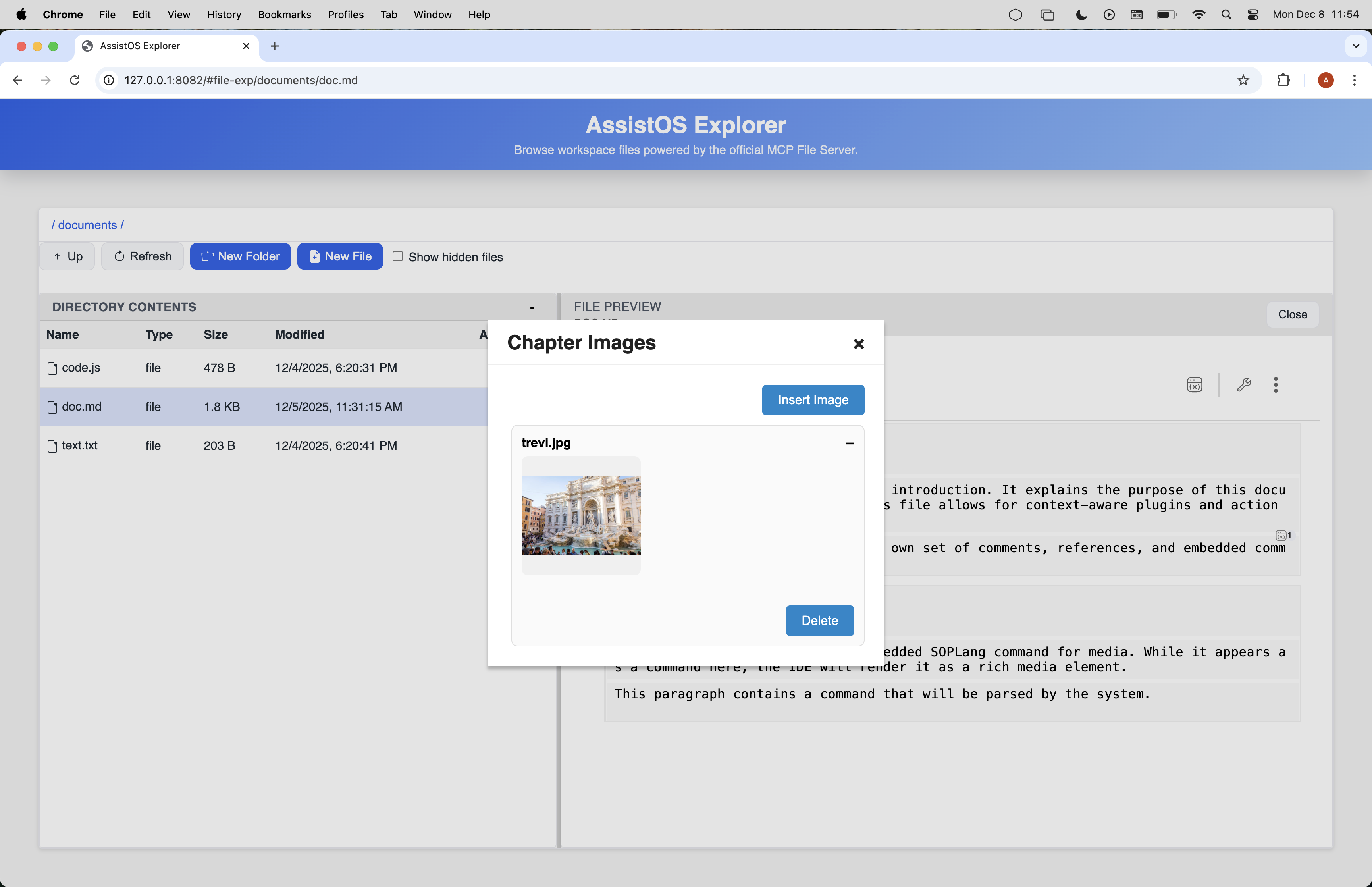
image-plugin (modal, chapter/paragraph) — attach and configure images.
ffmpeg-image-to-video (modal, chapter/paragraph) — build videos from images via ffmpeg.
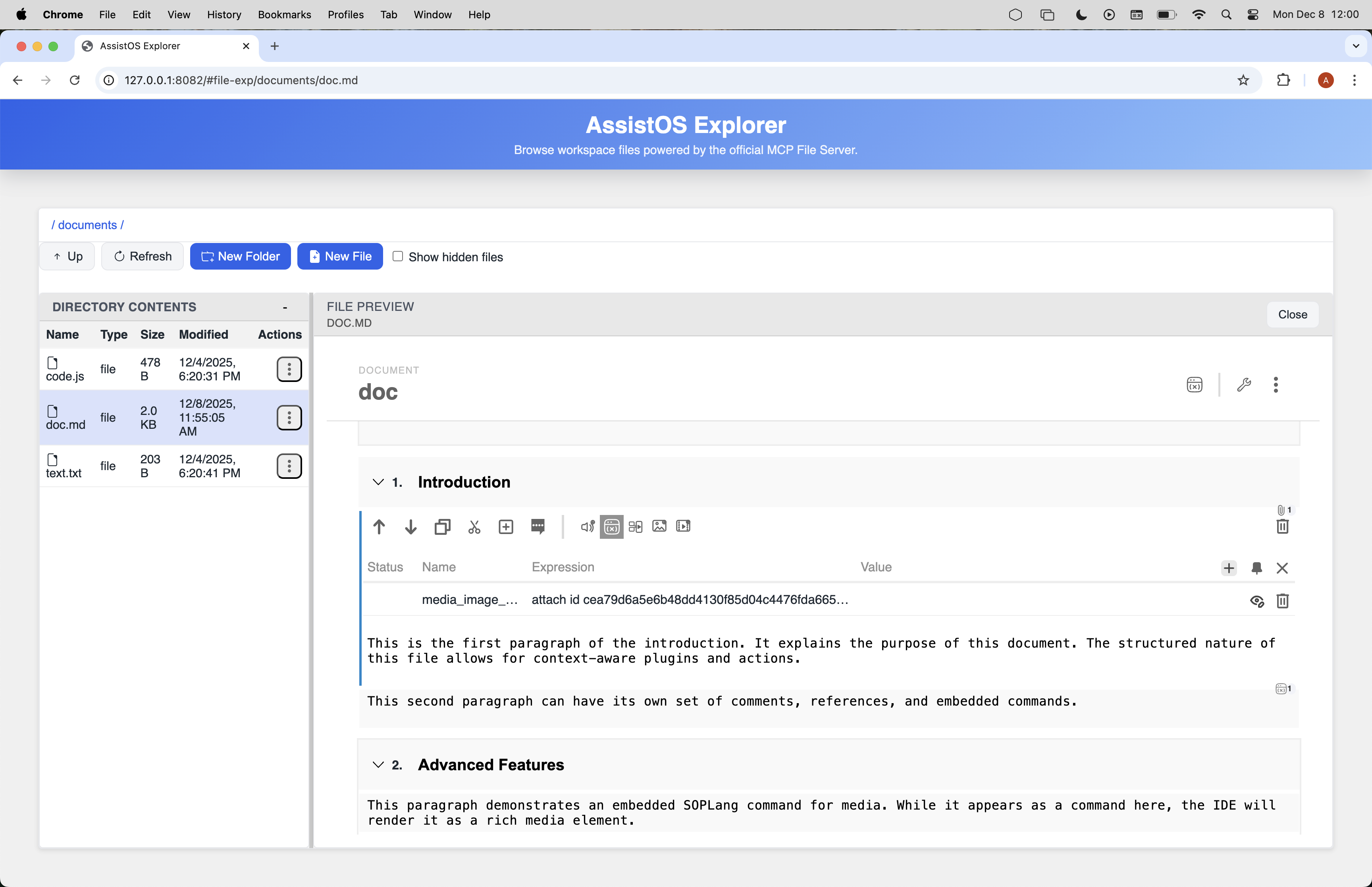
edit-variables (embedded, document/chapter/paragraph) — manage SOPLang variables; auto-pinned with add-variable dependency.
Plugin Manifest (config.json)
The config.json file is the heart of a plugin. Here is an example from the video-creator
plugin:
{
  "component": "video-creator",
  "presenter": "VideoCreator",
  "type": "modal",
  "location": [
    "document"
  ],
  "tooltip": "Create a video from a script",
  "icon": "./assets/icons/video.svg"
}
This manifest tells the Explorer to load the video-creator component as a modal, make it
available at the "document" level, and use the specified tooltip and icon.
Example: "Uppercase Paragraph" Plugin
This example demonstrates the correct structure of a WebSkel presenter, including the mandatory
beforeRender and afterRender lifecycle methods.
1. Create Folder
Create a new folder for the plugin: IDE-plugins/uppercase/
2. config.json
{
  "component": "uppercase-plugin",
  "presenter": "UppercasePlugin",
  "type": "modal",
  "location": ["paragraph"],
  "tooltip": "Uppercase paragraph",
  "icon": "./icon.svg"
}
3. uppercase-plugin.html
<div class="modal-header">
  <div>Uppercase Paragraph</div>
  <div class="close" data-local-action="closeModal">×</div>
</div>
<div class="modal-body">
  <p>This will convert the paragraph with text: "<strong>${this.paragraph.text}</strong>" to uppercase.</p>
  <button class="general-button" data-local-action="apply">Apply</button>
</div>
4. uppercase-plugin.js
import { getContextualElement } from "../utils/pluginUtils.js";
const documentModule = assistOS.loadModule("document");

export class UppercasePlugin {
  constructor(element, invalidate) {
    this.element = element;
    this.invalidate = invalidate;
    this.invalidate();
  }

  beforeRender() {
    const { chapter, paragraph } = getContextualElement(this.element);
    this.chapter = chapter;
    this.paragraph = paragraph;
  }

  afterRender() {
    const button = this.element.querySelector('[data-local-action="apply"]');
    button.addEventListener("click", this.apply.bind(this));
  }

  async apply() {
    const text = this.paragraph?.text || "";
    await documentModule.updateParagraphText(this.chapter.id, this.paragraph.id, text.toUpperCase());
    assistOS.UI.showToast("Paragraph updated successfully!", "success");
    this.closeModal();
  }

  closeModal() {
    assistOS.UI.closeModal(this.element);
  }
}