Explorer Agent
The Explorer agent is the backbone UI and filesystem host of the Achilles IDE, the European project building AI-driven automation and research tooling for science/industry.
It brings together structured documents, MCP filesystem tools, and extensible plugins in a single workspace.
Learn more about the Achilles project.
What is the Explorer?
The Explorer is a multi-faceted, containerized Node.js agent that serves as the primary UI and file management hub within the Ploinky workspace.
UI and editors
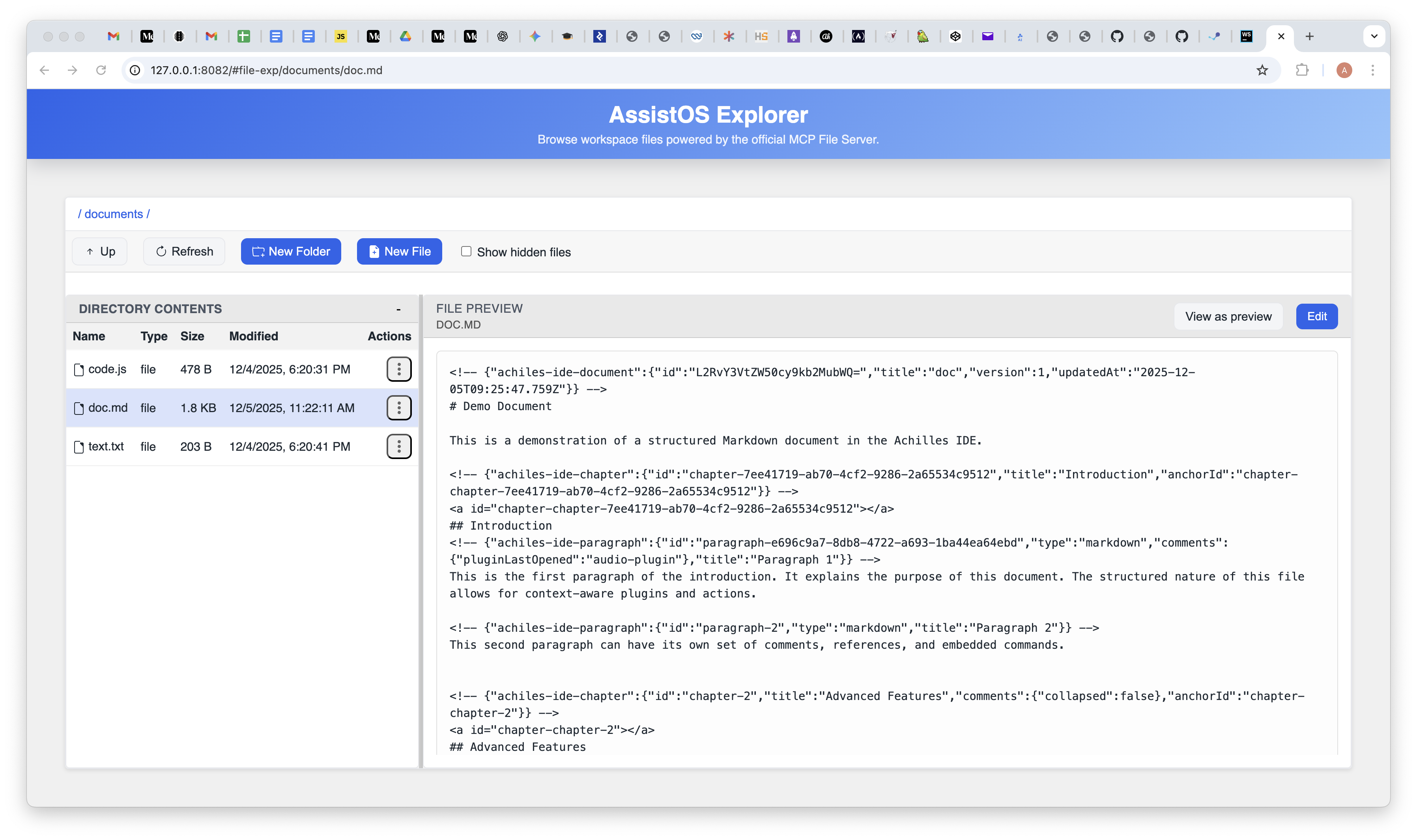
The WebSkel interface delivers a structured Markdown editor plus a general-purpose file editor. Documents keep chapters, paragraphs, SOPLang commands, and references together, while code and config files open with syntax highlighting. Toolbars and plugin entry points adapt to what you select.
Filesystem MCP
An MCP server inside Explorer enforces allowed roots and offers secure read, write, move, copy, search, and info operations against the workspace. Clients (including the UI) call it over /mcp so file access stays constrained.
Plugins and extensibility
Explorer loads extensions dynamically from IDE-plugins/ manifests. Each plugin ships HTML/JS/CSS assets, declares where it appears, and can call MCP tools or SOPLang actions to add new document or paragraph-level capabilities without hardcoding.
Current file explorer capabilities
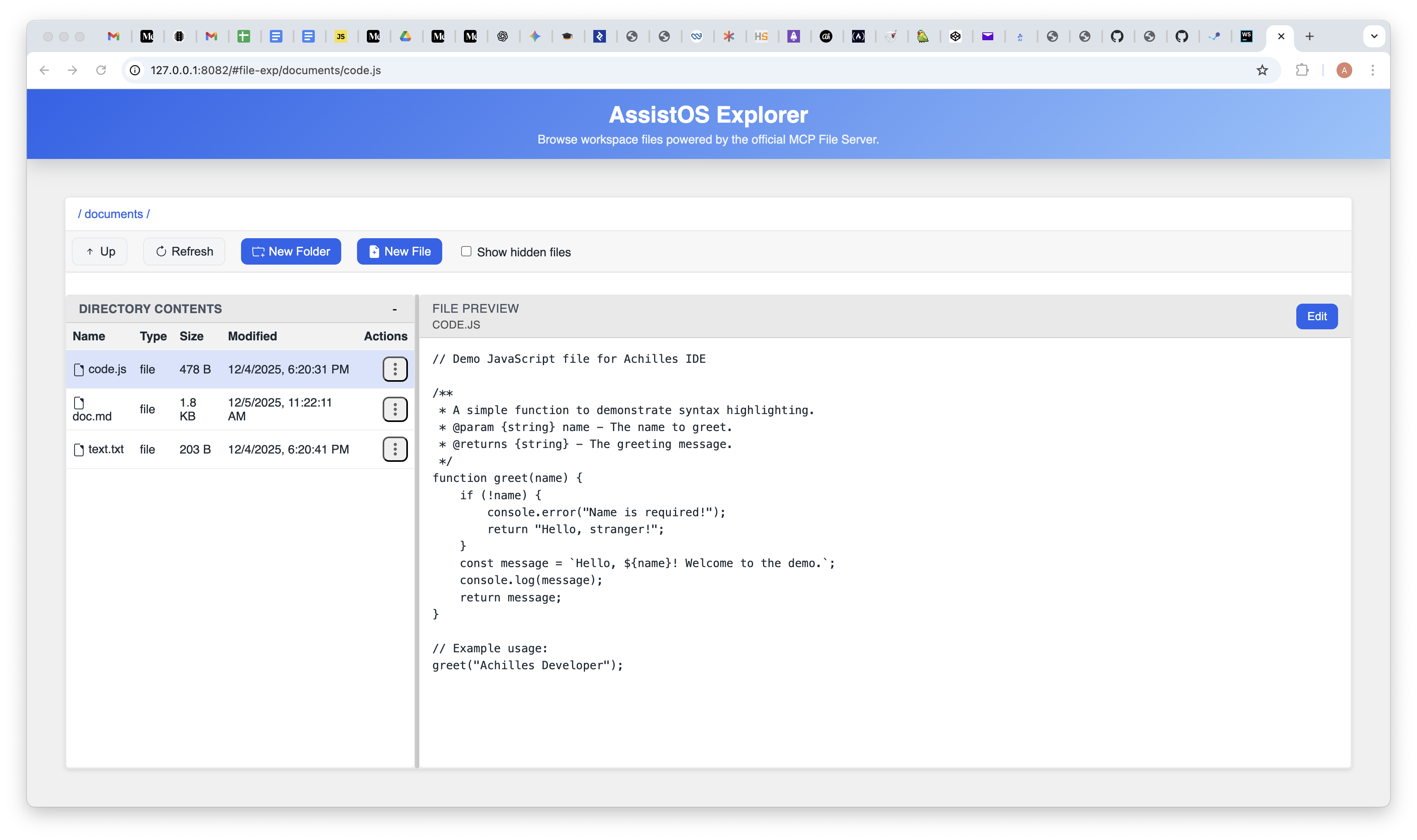
The current UI includes directory navigation, contextual file actions (new/rename/copy/move/delete), directory-level filter/search, find/replace in files, Markdown preview/text toggle, media preview, HTML Web Preview (Code/Web/Split modes), backlog views for .backlog and .history, plus integrated Git status/commit workflows.
Prerequisites
Have Node.js 20+ and npm installed, and make sure a Ploinky workspace is running. Set ASSISTOS_FS_ROOT or MCP_FS_ROOT to your workspace path (you can provide multiple, comma-separated). Keep the Ploinky CLI handy to enable repos and start agents.
Quick Start
Enable the repo and agent, point the filesystem root, then start Explorer on your port of choice:
p-cli enable repo fileExplorer
p-cli enable agent fileExplorer/explorer global
export ASSISTOS_FS_ROOT=<path-to-workspace>
p-cli start explorer 8080
# open http://127.0.0.1:8080/explorer/index.html via the Ploinky router
Note for HTML docs preview: repo-scoped preview paths are expected (for example /.ploinky/repos/fileExplorer/docs/development.html). Keep the versioned symlink explorer/.ploinky/repos/fileExplorer -> ../../.. in the repository so these paths resolve on all environments.
Architecture
Explore the technical architecture, from the containerized runtime to the frontend application.
Learn MoreDocument Management
Learn how Markdown files are parsed and managed as structured documents.
Learn MoreHigh-Level Flow
The following diagram illustrates the high-level data flow of the Explorer agent:

Interface at a Glance
Explorer blends a structured Markdown editor with a general-purpose file editor so you can manage documents, media, and code in one workspace.
Structured Markdown
Chapters, paragraphs, SOPLang commands, comments, and references stay together in one view so document structure remains clear while you edit.
File editor
Non-Markdown files (JS, JSON, text, etc.) open with syntax highlighting and a lightweight editing experience for quick code or config changes.
Contextual actions
Toolbars and plugin entry points adapt to what you have selected, surfacing actions for documents, chapters, or paragraphs as needed.