Plugins
Explorer uses plugins so the shell can surface domain features without absorbing domain logic directly into file-exp. Git, task management, SOPLang, multimedia previews, and DPU-backed confidential resources all need user interface (UI) affordances inside the same shell, but Explorer still has to remain the host rather than becoming the implementation site for each domain.
The architectural response is a shared runtime plugin system. A plugin is a browser bundle with a config.json manifest, assets, and one or more WebSkel presenters. Explorer discovers the bundle, decides where it may appear, mounts host-owned surfaces, and leaves the owning agent responsible for the domain operation behind the interaction.
This system now covers two distinct runtime families:
- Document plugins, which mount into document-oriented surfaces such as
document,chapter,paragraph, andinfoText. - Application plugins, which extend the shell itself through host slots such as
file-exp:toolbar,file-exp:context-menu:file,file-exp:context-menu:directory,file-exp:copilot-launch-extension, andfile-exp:new-menu.
The discovery path, manifest validation, and asset resolution are shared. What changes is the hosting regime: document plugins render into document surfaces, while application plugins either mount a component into a shell slot or contribute semantic menu items into a host-owned menu.
Discovery And Policy
Explorer discovers runtime plugins through aggregateIdePlugins in explorer/utils/ide-plugins.mjs. When the browser calls collect_ide_plugins, Explorer scans agent-owned IDE-plugins/*/config.json folders under the workspace, validates each manifest, assigns the owning agent, resolves assetRootPath, and returns the catalog grouped by location.
Discovery is therefore workspace-driven rather than hard-coded. If an enabled agent exposes an IDE-plugins directory, Explorer can discover those manifests at runtime. The host still owns the allowed slot names and manifest validation, but plugin availability itself depends on the current workspace and plugin settings, not on a compile-time list inside the shell.
Policy is also now explicit. Explorer does not infer plugin identity through a chain of fallbacks. The policy key is derived from the manifest category:
agent/idfor application pluginsagent/componentfor document plugins
This matters because one logical application plugin may now contribute more than one surface. The Git integration is the current example: its toolbar mount and its menu contributions both use id: "git", so they are enabled or disabled as one logical plugin in workspace settings.
Application Plugins
Application plugins extend the shell rather than the document runtime. They currently use two contribution types:
mount, where Explorer mounts a component into a host slot such asfile-exp:toolbar,file-exp:right-bar, orfile-exp:internalmenu, where Explorer keeps ownership of the menu structure and lets the plugin contribute menu items semantically intofile-exp:context-menu:file,file-exp:context-menu:directory, orfile-exp:new-menu
The distinction is important. Menu contributions are not arbitrary fragments of injected DOM. Explorer owns the menu surface, focus behavior, loading state, and item execution context. The plugin contributes item metadata, visibility logic, and the action implementation, usually by calling its owning agent through the Explorer bridge.
The file-exp:copilot-launch-extension slot is intentionally different: it is a metadata slot consumed by the normal Copilot WebChat launcher. Agent-owned plugins can use it to add generic launch query parameters without adding a second context-menu item or hard-coding domain behavior into Explorer core.
This is why the old description of application plugins as “toolbar buttons” is no longer sufficient. That was true when the shell only mounted components into file-exp:toolbar. It is no longer true after the introduction of host-owned menu surfaces and plugin-contributed menu items.
The current Git integration shows the intended model:
git-tool-buttonmounts intofile-exp:toolbargit-menu-contributionscontributesAdd to .gitignore,Remove from .gitignore, andNew repositoryinto file and directory context menus and theNewmenu- both contributions share the same logical plugin identity through
id: "git"
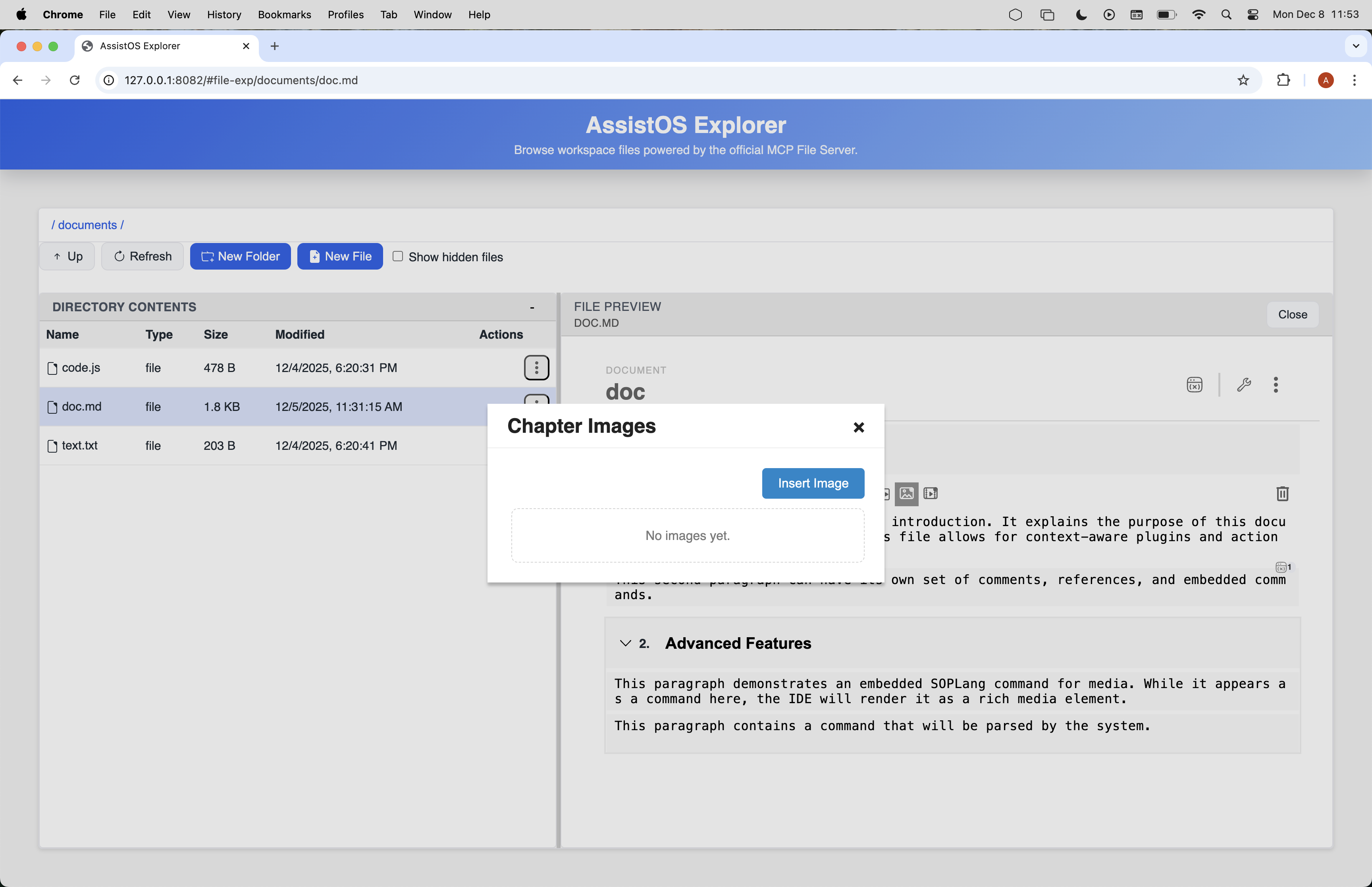
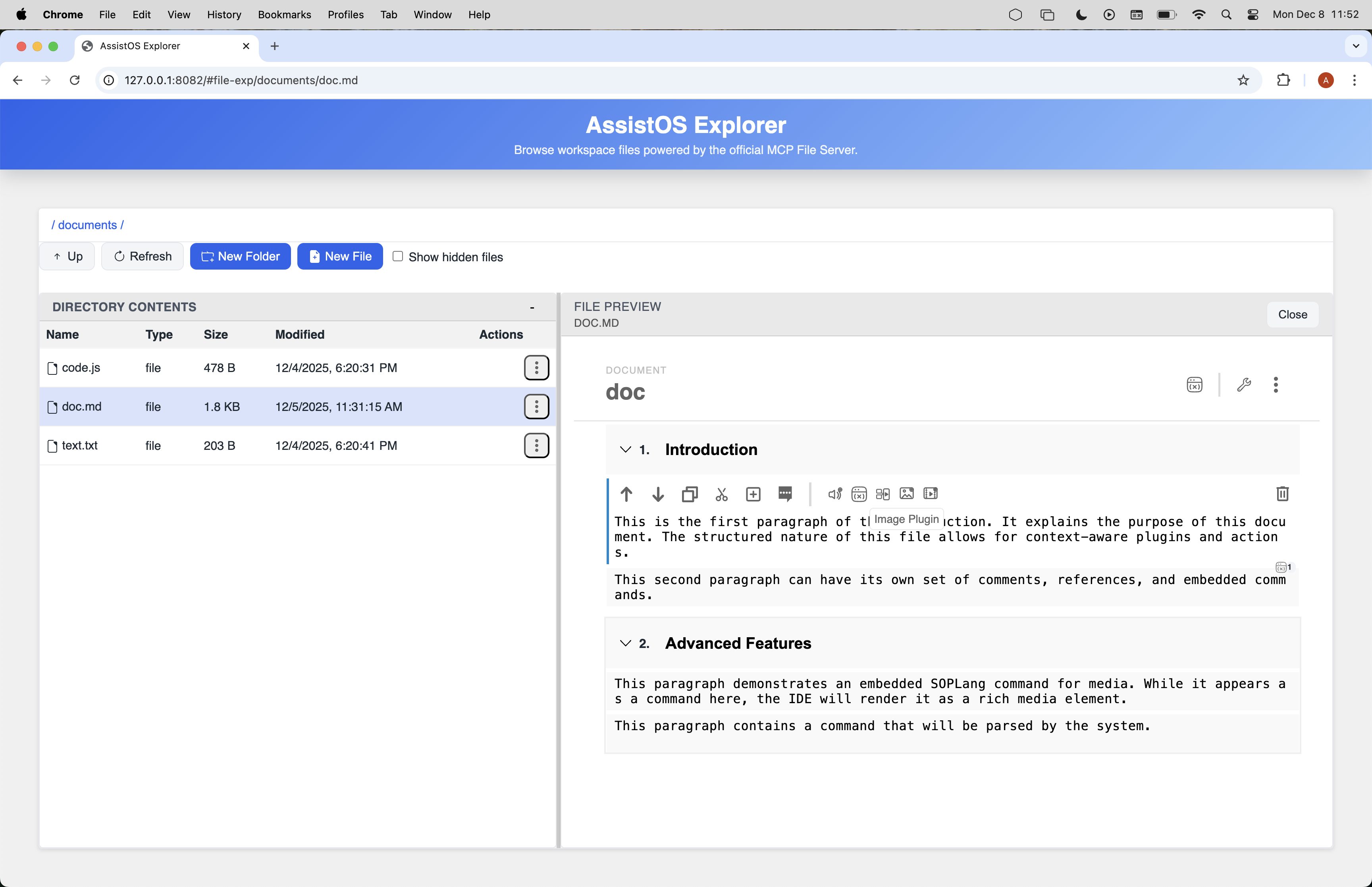
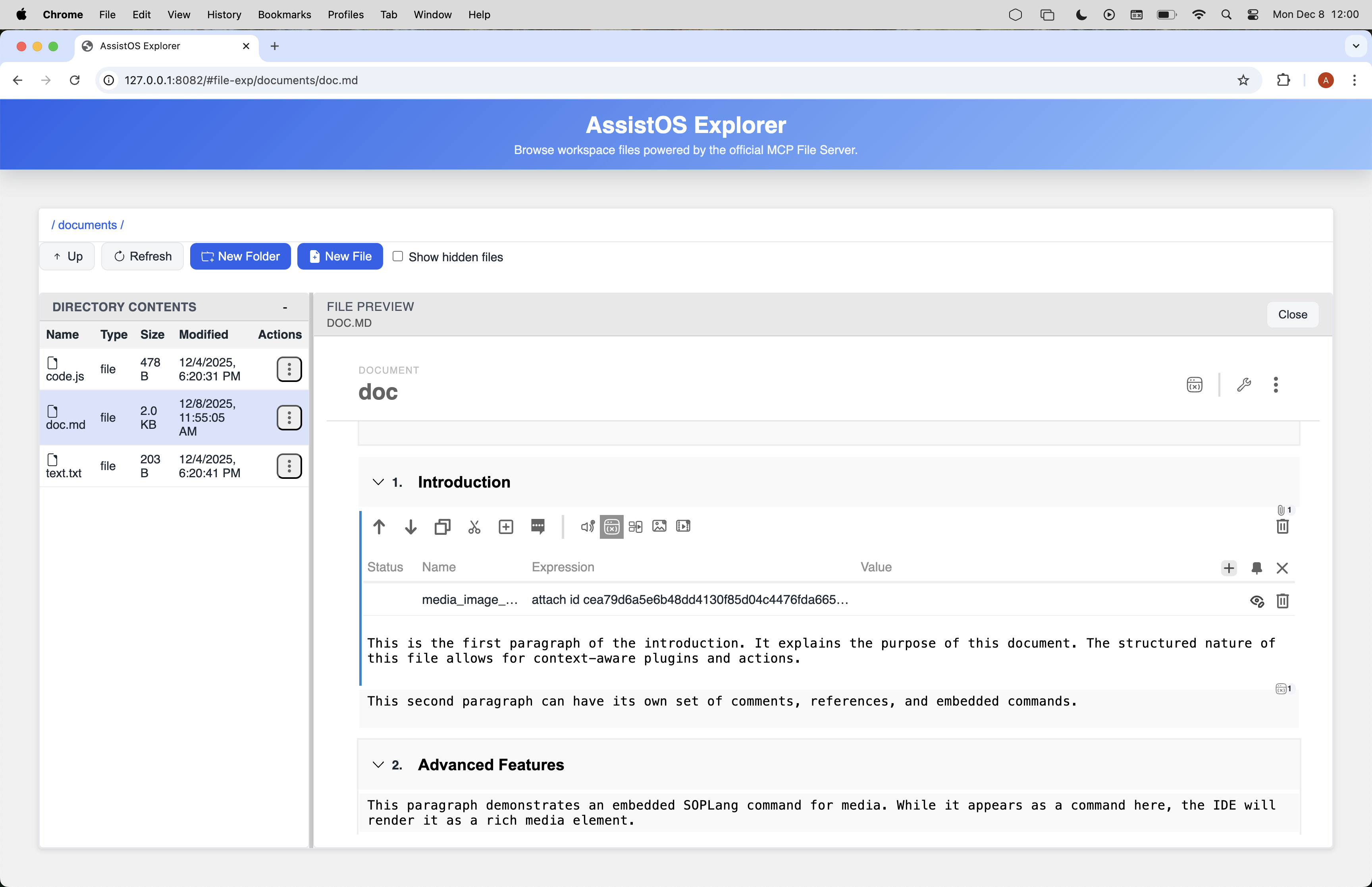
The screenshots below show the UI surfaces plugins occupy inside the shell.
Document Plugins
Document plugins use the same runtime discovery model, but they mount into the document-oriented surfaces that Explorer exposes to the editor and preview stack. Their policy identity is agent/component because the manifest is anchored on the mounted component rather than on an application plugin id.
Typical examples in this repository are multimedia preview and creation plugins, SOPLang document actions, and document-level tooling that appears in paragraph or chapter context. These plugins still follow the same ownership boundary: Explorer provides the host surface and context, while the owning agent or module performs the real domain mutation.
This is why document plugins and application plugins should be documented together. They are not two unrelated extension systems. They are two hosting regimes inside one runtime plugin architecture.
Runtime Flow
The practical execution path is now:
- Explorer scans
IDE-plugins/*/config.jsonfolders and validates the manifests. - The browser loads the aggregated catalog through
collect_ide_plugins. - Explorer applies workspace plugin policy using the logical plugin key.
- For
mountcontributions, Explorer mounts the declared component into the host slot. - For
menucontributions, Explorer resolves menu items asynchronously, shows a host-owned loading state while resolution is in progress, and executes the selected action with the same target context that was used to resolve the item. - The plugin or menu module calls the owning agent through the Explorer bridge, and Explorer refreshes the affected shell surfaces after the mutation.
The key architectural point is that Explorer never yields structural ownership of the shell. It may host a toolbar mount, a modal, or a context menu, but it still owns layout, routing, menu rendering, and refresh behavior. Plugins extend those surfaces; they do not replace them.
Manifest Examples
Application mount contribution
{
  "pluginCategory": "application",
  "id": "git",
  "component": "git-tool-button",
  "location": ["file-exp:toolbar"],
  "presenter": "GitToolButton",
  "type": "embedded",
  "icon": "./icon.svg"
}
Application menu contribution for the same logical plugin
{
  "pluginCategory": "application",
  "contributionType": "menu",
  "id": "git",
  "location": [
    "file-exp:context-menu:file",
    "file-exp:context-menu:directory",
    "file-exp:new-menu"
  ],
  "label": "Git",
  "icon": "./icon.svg",
  "menuModule": "menu-contributions.js"
}
Document plugin contribution
{
  "pluginCategory": "document",
  "component": "video-creator",
  "presenter": "VideoCreator",
  "type": "modal",
  "location": ["document"],
  "tooltip": "Create a video from a script",
  "icon": "./assets/icons/video.svg"
}
These examples illustrate the current rule set:
- document plugins are identified by component
- application plugins are identified by
id - multiple application surfaces for one logical plugin must share the same
id - menu contributions describe actions semantically and do not inject their own menu structure